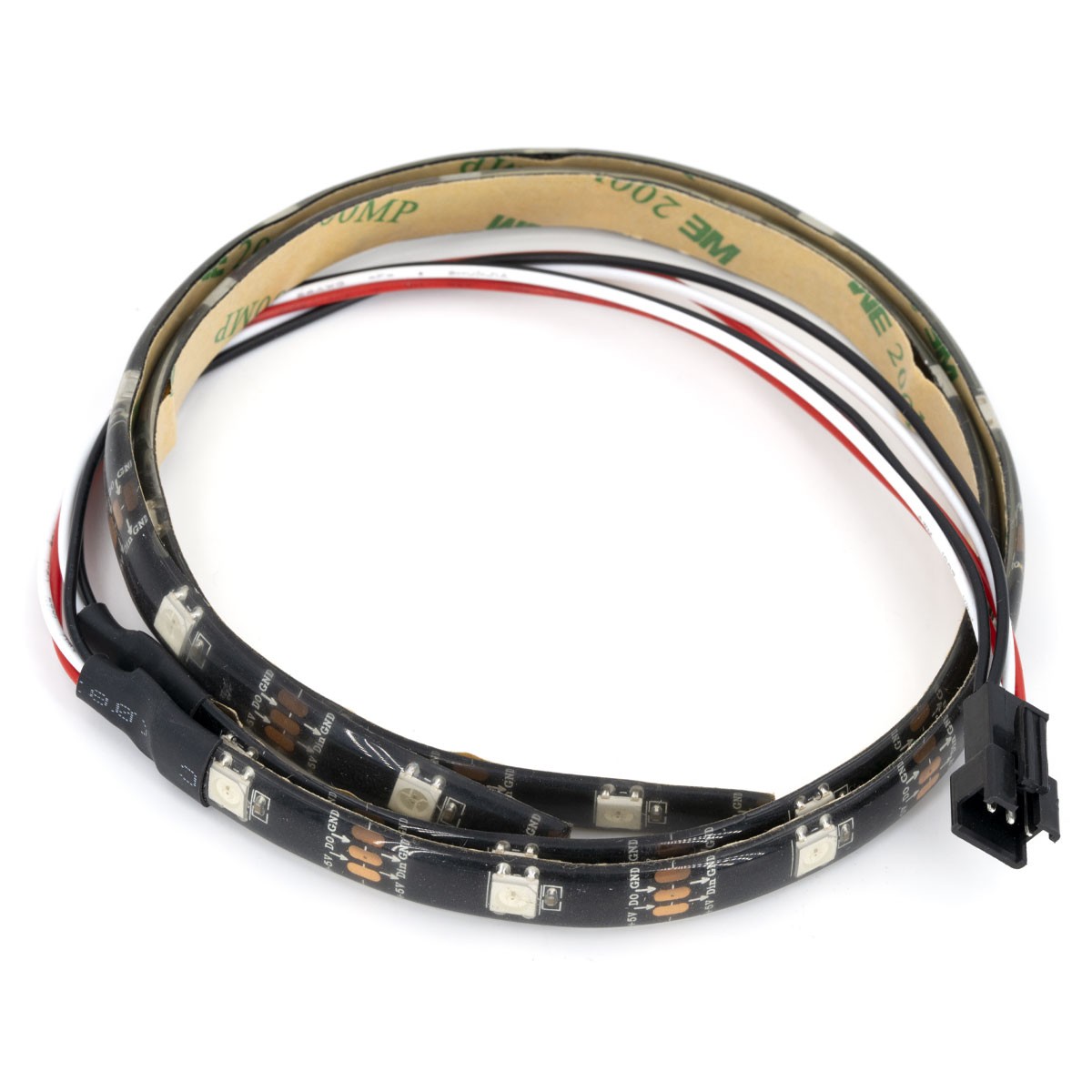
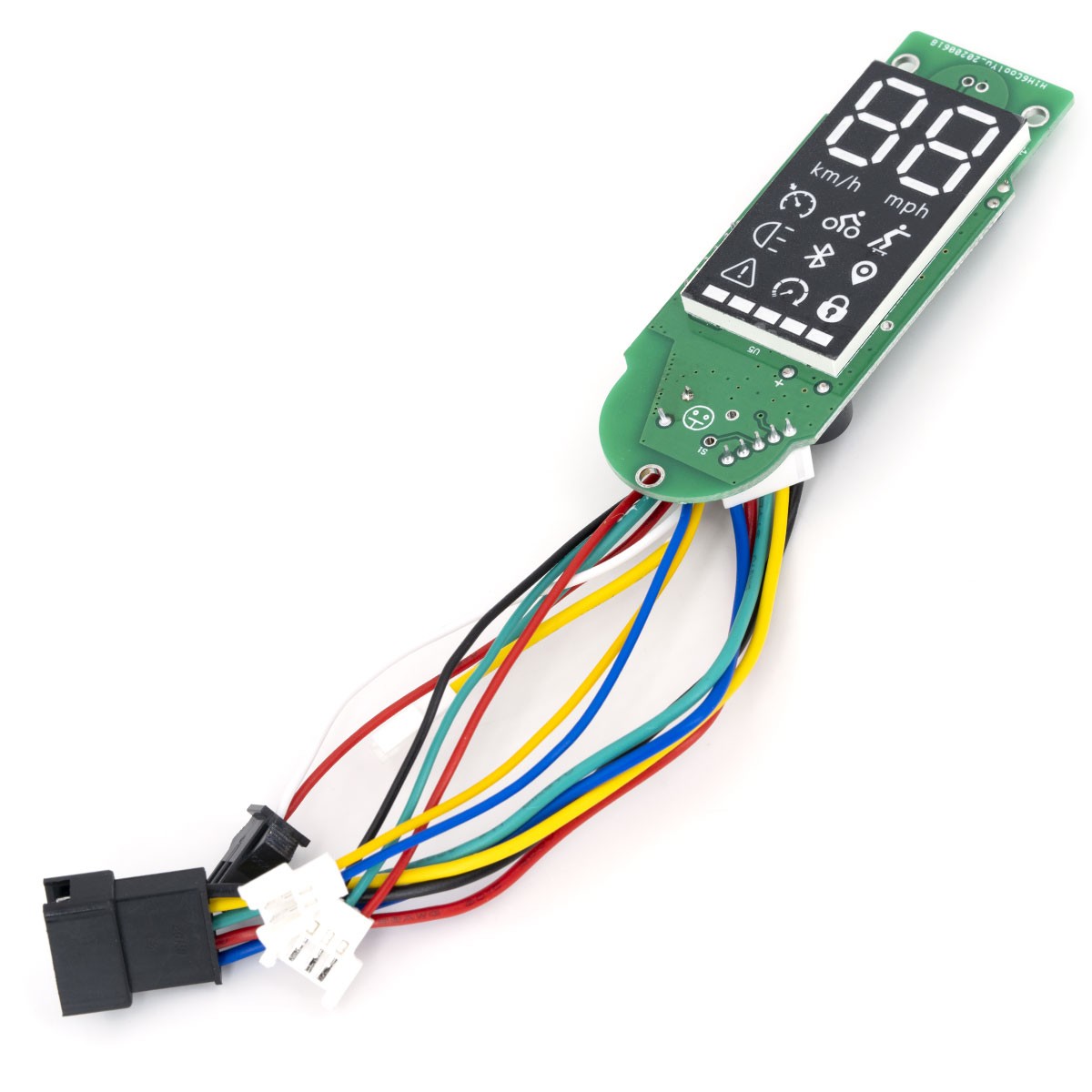
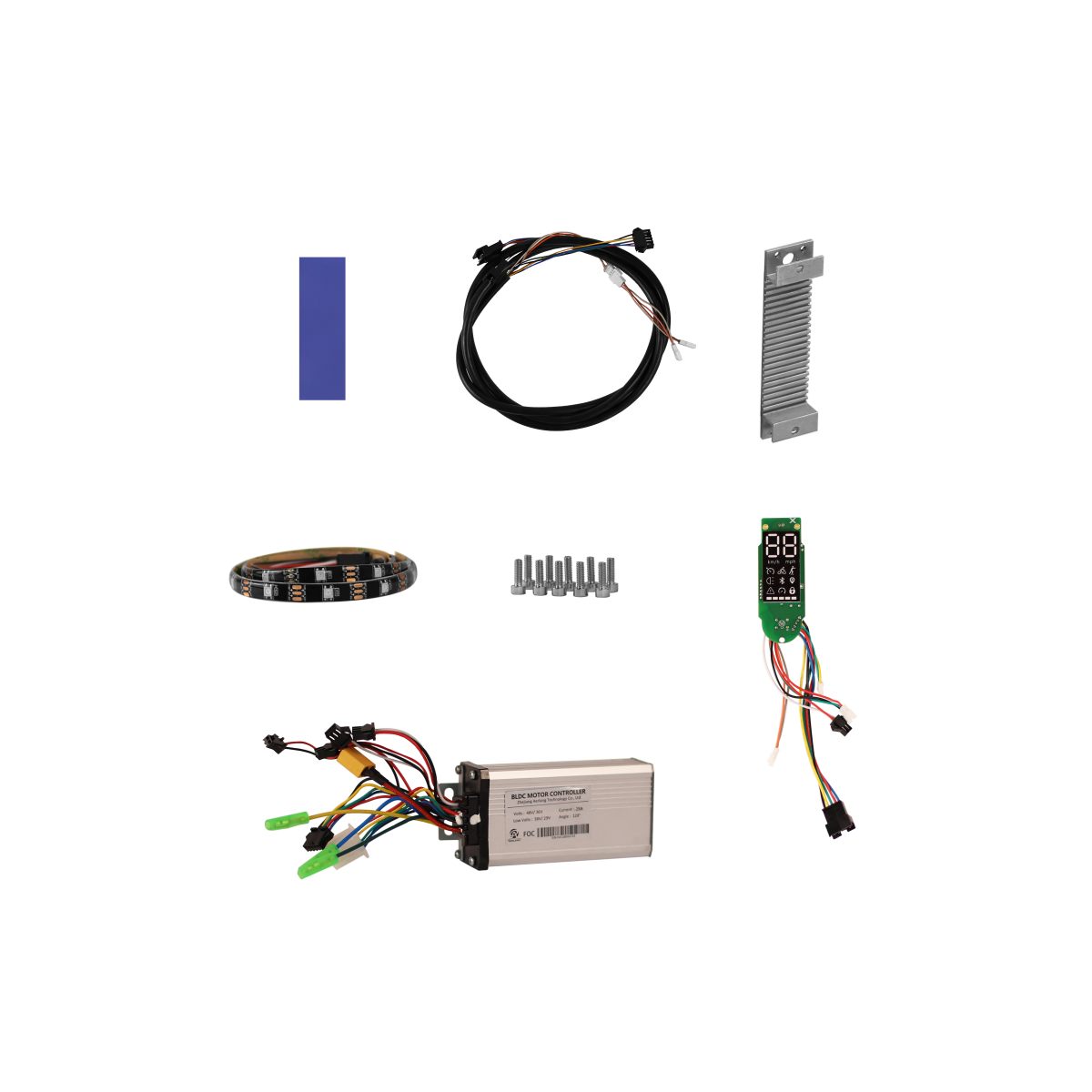
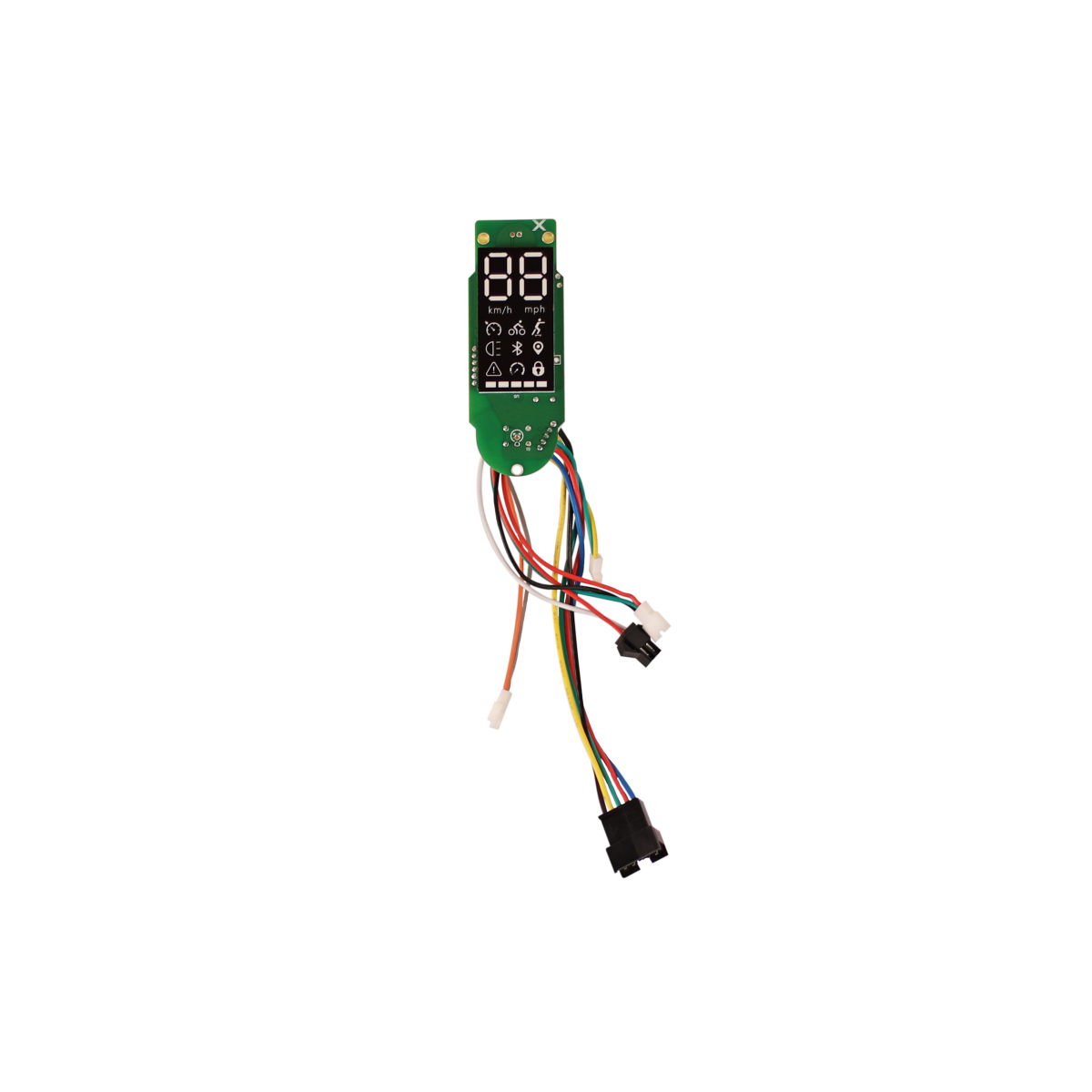
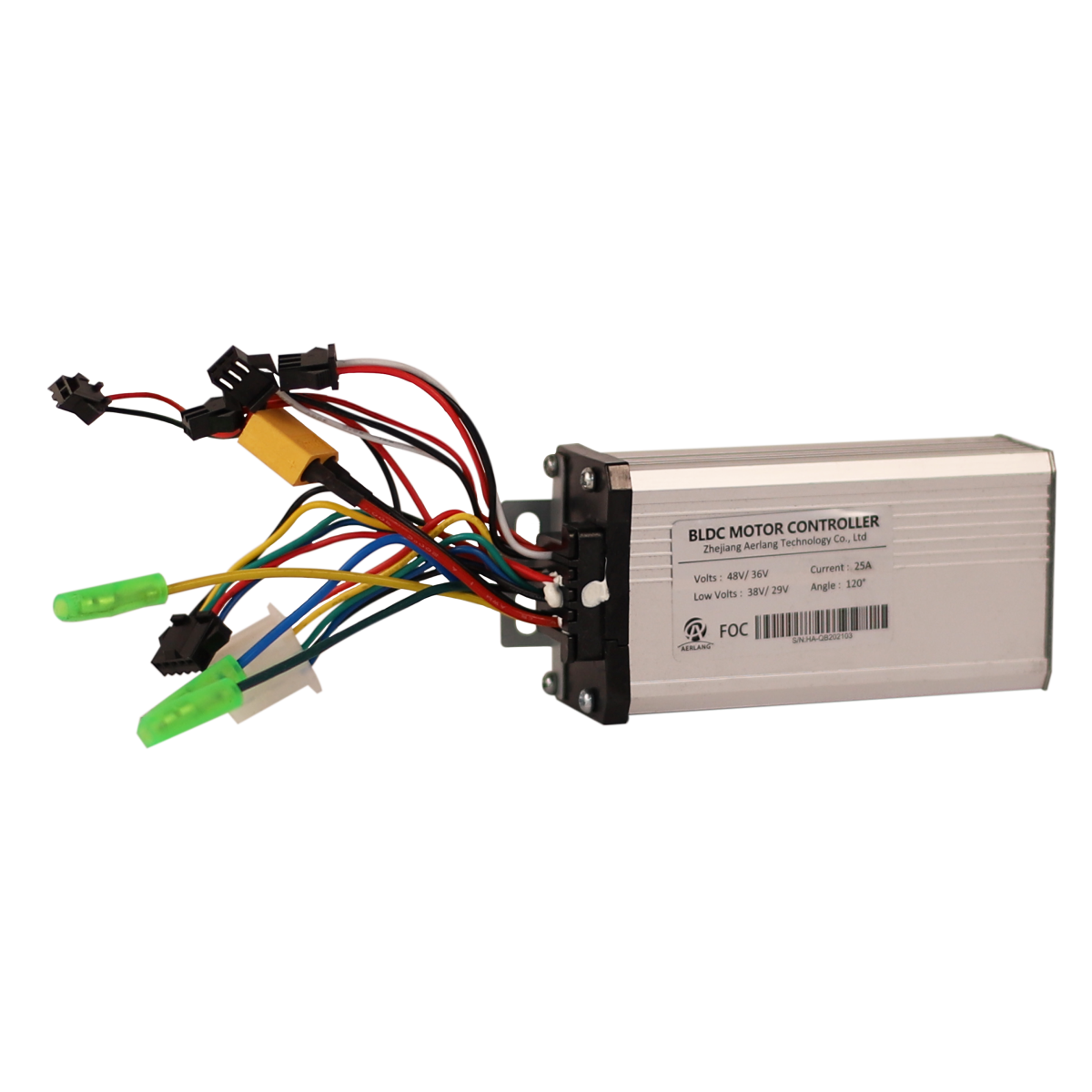
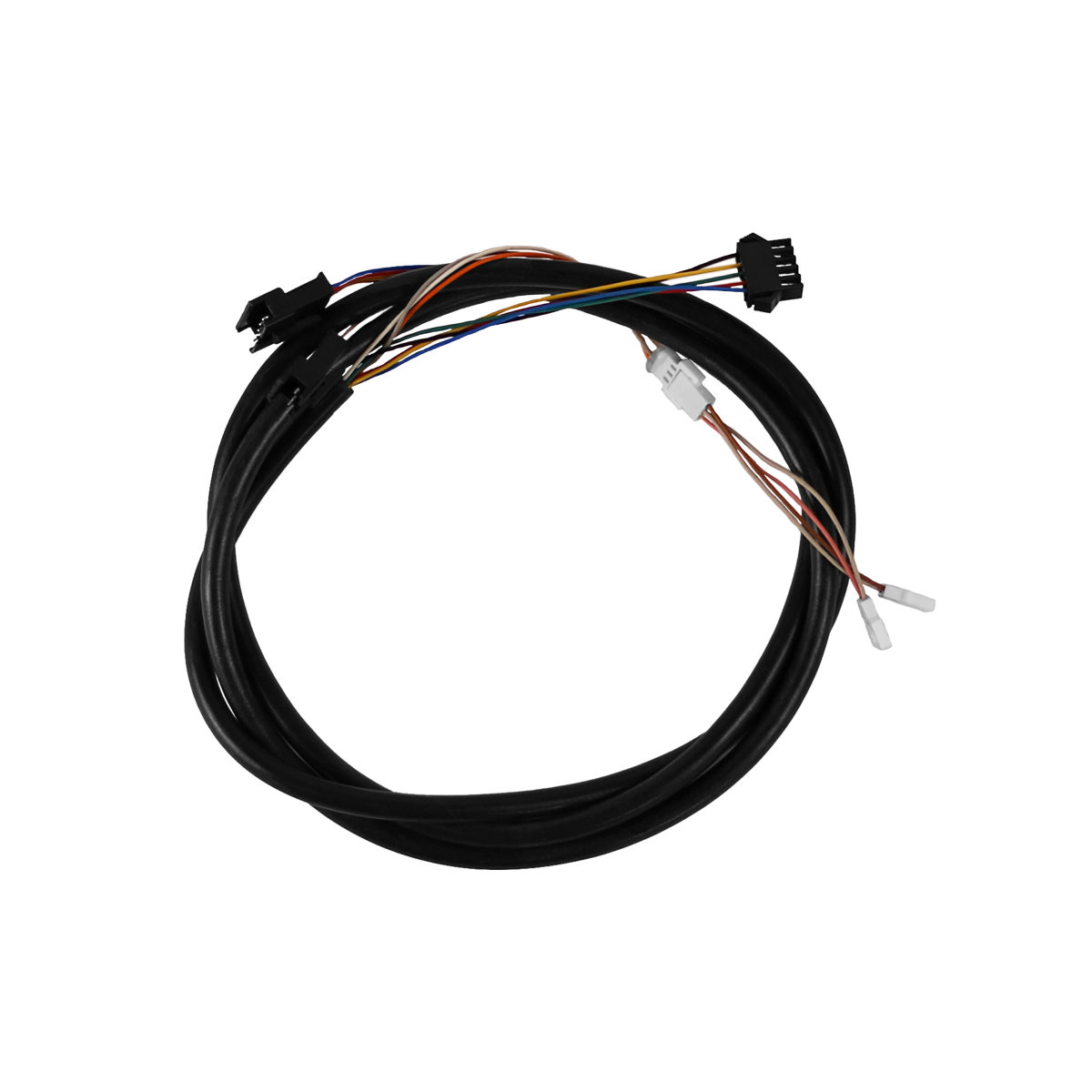
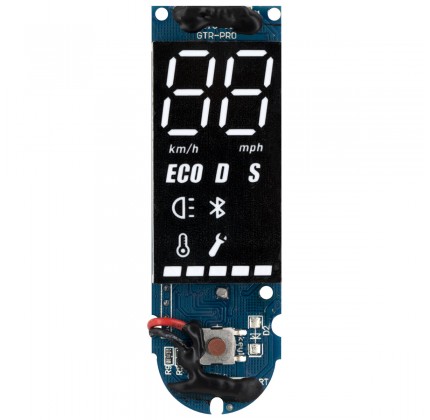
The new ESC redesigned by AERLANG returns specific error codes, shown directly on the new display in case of faults. Below you can see the meaning of each code and the recommended checks:
| ERROR CODE |
FAULT DESCRIPTION |
| 00 |
Faulty throttle
Check that the throttle lever returns correctly to its starting position and that its cables and connectors are properly connected. |
| 01 |
Faulty motor brake
Check that the brake lever returns correctly to its starting position and that its connector is properly connected. |
| 02 |
Faulty ESC
Switch off the scooter, open the lower battery compartment, disconnect the XT60 connector linking the battery to the ESC and then reconnect it. If the problem persists, contact ZBIKE support. |
| 04 |
HALL / Motor connector
Switch off the scooter and check that the motor connectors (blue, green and yellow) and the HALL connector are properly connected and undamaged. If necessary, disconnect and reconnect the battery's XT60 connector to the ESC. If in doubt, contact ZBIKE support first. |
| 05 |
Faulty DISPLAY connector
Switch off the scooter, then disconnect and reconnect the battery's XT60 connector to the ESC. If the problem persists, check the display wiring and connection. |
| 06 |
Power button / App lock
First check that the scooter has not been LOCKED via the app. Also check that the power button works properly. |
WARNING!
The KIT is shipped already prepared with the correct cables and with thermal paste properly applied to the MOSFETs.
Once the upgrade kit is installed, we recommend checking and if necessary UPDATING the firmware via Bluetooth using the dedicated app ZBIKE/AERLANG.
* Latest firmware version available: v1.2.15 (updated March 2021)
Changelog:
- Bugfix
- Fixed the battery level shown in the app and dashboard
DOWNLOAD APP ZBIKE / AERLANG
The app is no longer available in the main app stores and must therefore be downloaded and installed manually.
The app is only compatible with smartphones running ANDROID.
DOWNLOAD THE APP FOR ANDROID
The file must be installed manually on the Android device. During installation you may need to allow apps from external sources.
Read moreShow less